Short answer
A CRM is a shared place where every lead and customer lives with their history, so nobody has to remember who said what or who needs a follow-up. You probably need one once leads are slipping through email, texts and notebooks, or when more than one person talks to customers. If it is just you and a handful of customers, a spreadsheet may be enough for now.
What a CRM actually does
- Keeps contact details, notes, quotes and past conversations in one record per person.
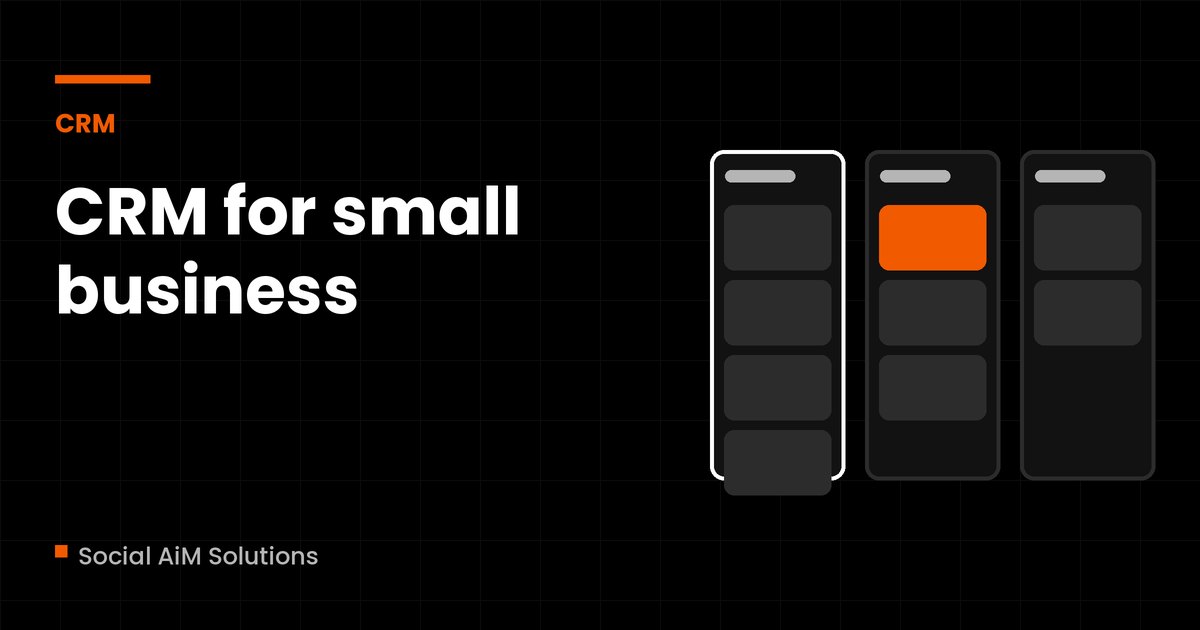
- Shows where each lead is: new, contacted, quoted, won or lost.
- Reminds you to follow up, or sends the follow-up for you.
- Shows what is working: where leads come from and how many turn into customers.
Signs you need one
- You have lost a lead because you forgot to reply.
- Customer information is split between your phone, email, texts and paper.
- More than one person handles customers and they step on each other.
- You cannot say how many quotes are waiting for an answer right now.
What to look for
- Easy enough that you will use it. A simple tool used daily beats a powerful one nobody opens.
- Email and text in one place, so conversations are not scattered.
- Simple pipeline stages you can rename to match how you sell.
- Automatic follow-up for new enquiries and missed calls.
- A clear monthly price, and what happens to your data if you leave.
Common options
Small businesses often start with a spreadsheet, then move to tools such as HubSpot, Pipedrive, GoHighLevel or a CRM built into their booking or job software. They suit different businesses, and prices change, so check current pricing on each vendor's site. For full disclosure, we build in GoHighLevel and HubSpot, among others, and we will tell you if a cheaper tool does the job.
How to start without overbuying
- List the steps a lead goes through from first contact to paid.
- Pick a tool with a free or trial plan and set up just those steps.
- Move your current leads in, and use it for two to four weeks.
- Add automation only after the basics are working.
If you want a second opinion on what to pick or how to set it up, our weekly office hours are $47 CAD a month plus tax with the first 14 days free, and you can bring your CRM questions to the call.
Common questions
Is a spreadsheet enough instead of a CRM?
For a very small number of customers, yes. It stops working when you need reminders, shared access or a record of every message.
How much does a CRM cost?
From free plans to hundreds of dollars a month depending on features and users. Check the vendor's current pricing, and count add-ons such as texting.
Which CRM is best for a small business?
The one you will actually use. The right pick depends on how you get leads, how many people need access and whether you need booking, texting or payments in the same place.
Can I switch CRMs later?
Usually, yes, but it is easier if you keep your records clean and can export them. Ask about export before you commit.
Not sure which tool fits? Bring your setup to the weekly office hours.
Bring your CRM questions to office hours